1. One primary action
The mobile visitor should see the next action without guessing: call, book, request a quote, order, reserve, ask a question or send a photo.

Australian small business website checklist
Most small-business websites do not need a bigger redesign first. They need the quote, booking, order, enquiry or repeat-customer action to be obvious on a phone. Use this checklist to spot the friction, then choose a free fit check or the AUD 49 Wipper paid website check.
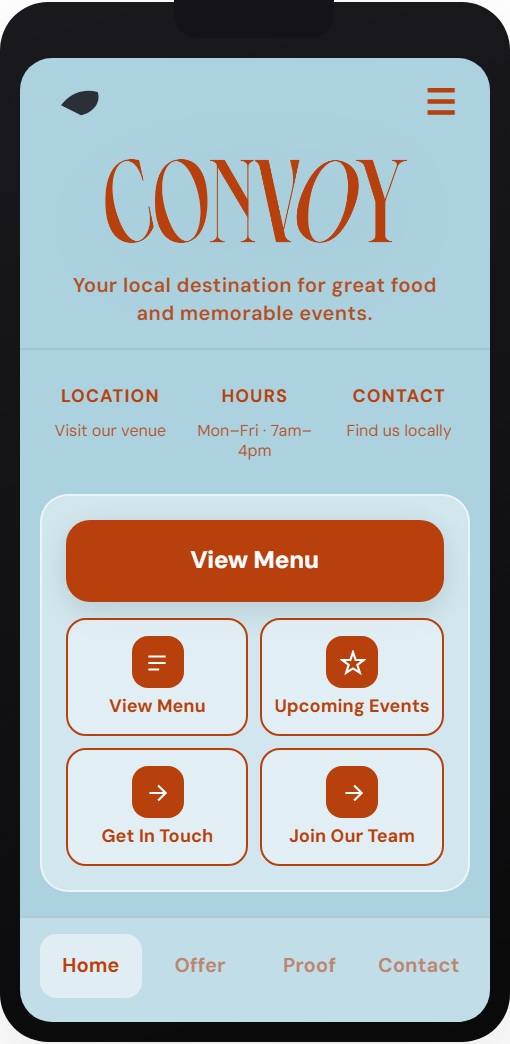
Quick diagnosis
The mobile visitor should see the next action without guessing: call, book, request a quote, order, reserve, ask a question or send a photo.
The first phone screen should not hide the action behind sliders, vague headings, social links or a desktop-style menu.
Reviews, service area, ABN cues, recent work, pricing clues or response expectations should sit close to the customer action.
If a quote request asks for everything upfront, customers leave. Capture the minimum needed to start a useful reply.
For repeat customers, the second visit should be faster than the first: reorder, rebook, refill, renew or send a new job request.
Open the site on mobile data and try to complete the action. If it feels slow or fiddly, fix the flow before buying more traffic.
If one customer action keeps repeating, a small app-style customer hub may be cheaper than another full website rebuild.
Send a score request
When to use Wipper
Best when you want a human review of one public website URL, with a short mobile-conversion action plan and next-step recommendation.
Start paid checkBest when you are not sure whether an app-style hub is useful and want a quick yes, no or wrong-first-step answer.
Or free fit checkBest when the customer action is clear and you need a fixed build scope for a customer hub, booking flow, quote flow or repeat-order path.
View scope reviewBest when a Wipper hub is already live and you want hosting, monitoring, small updates and a monthly conversion tune-up.
Start Hub CareCash ladder: AUD 49 check → AUD 299 scope → build → AUD 149/mo Hub Care.